- Shop Chiropractic Posters
- Free Chiropractic Email Signature Templates | Editable Canva Download
Free Chiropractic Email Signature Templates | Editable Canva Download
Free Chiropractic Email Signature Templates | Editable Canva Download
Elevate your brand..one email at a time.
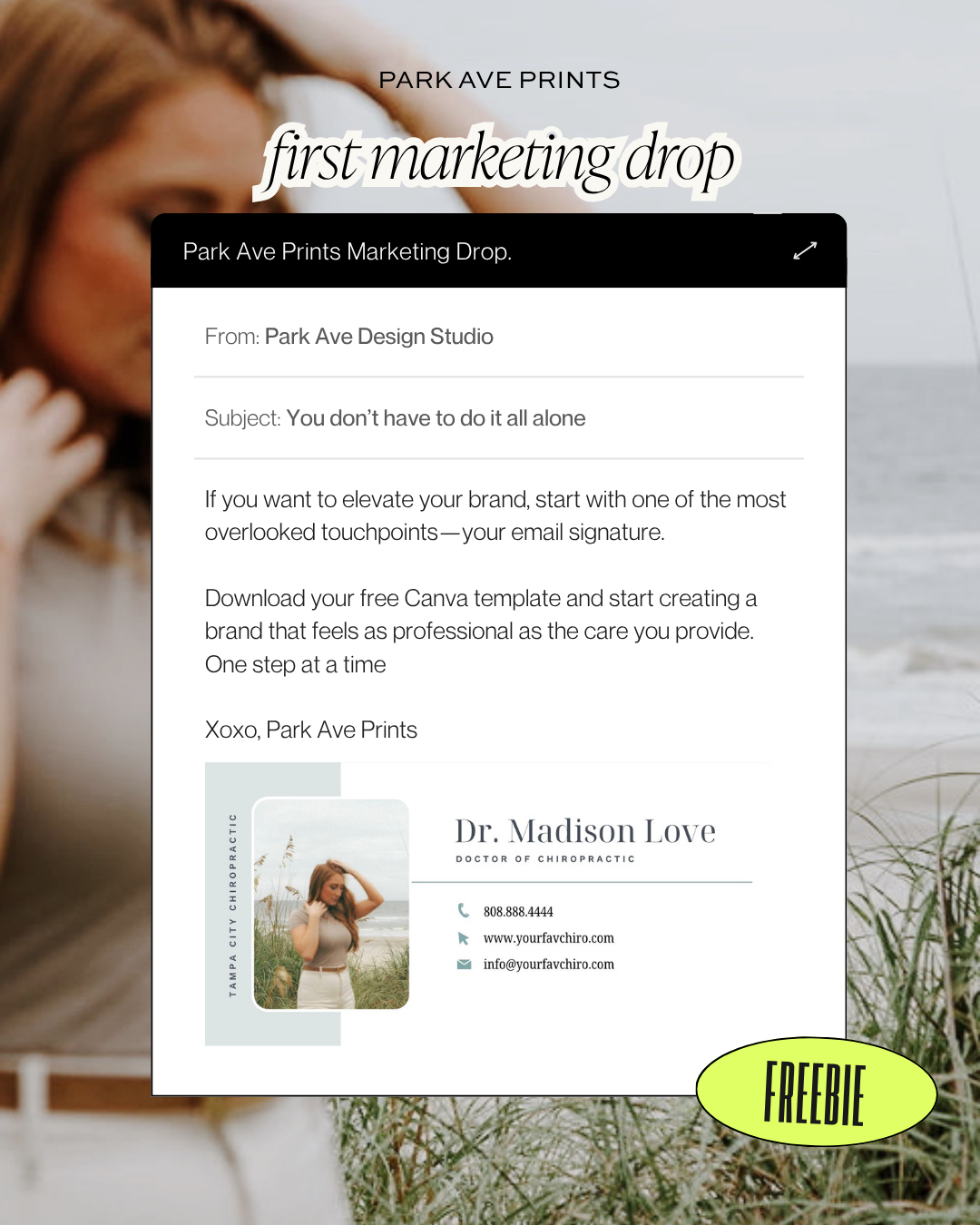
Your email signature is one of the most overlooked parts of your brand, but it's included in every patient follow-up, referral email, appointment confirmation, and professional conversation.
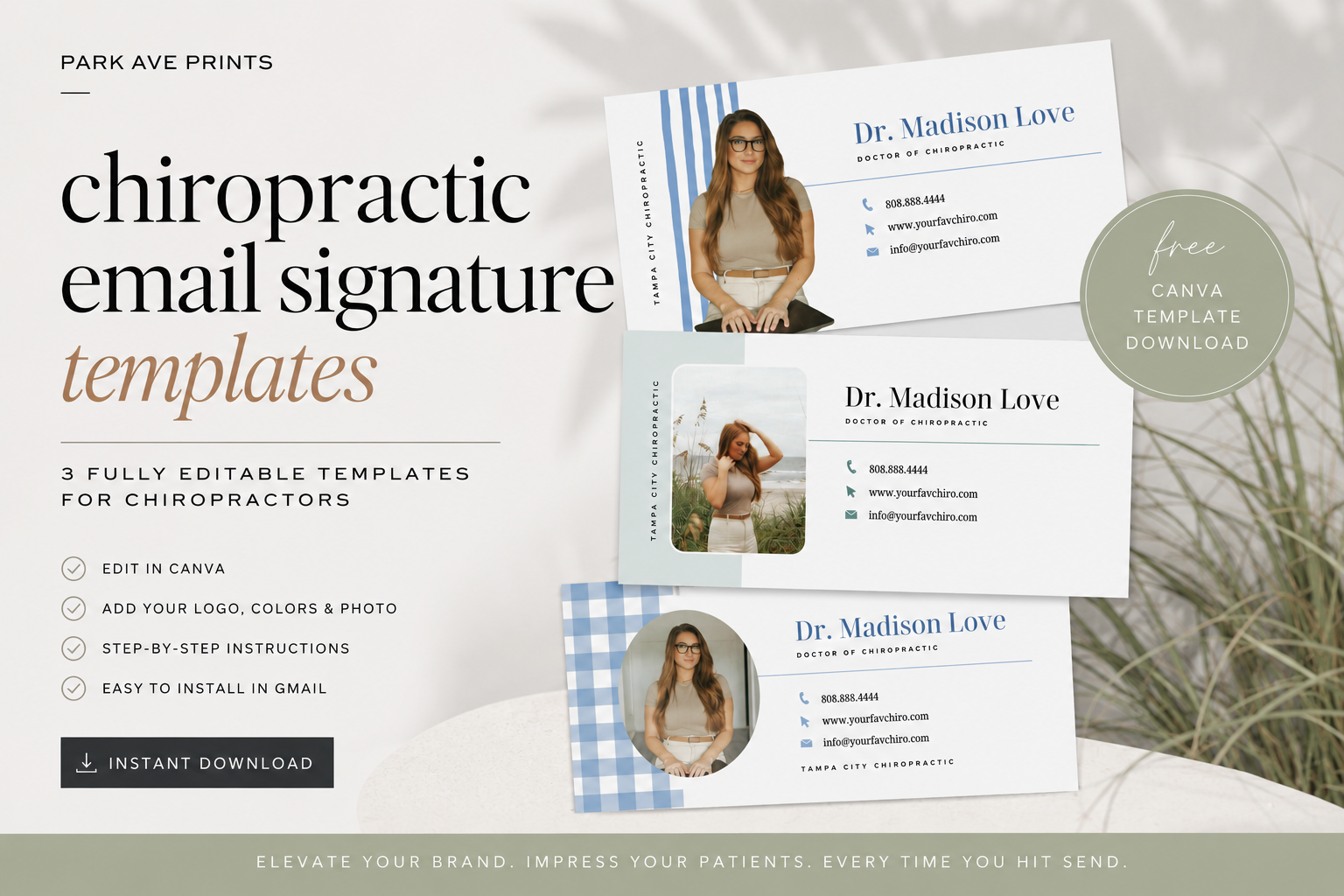
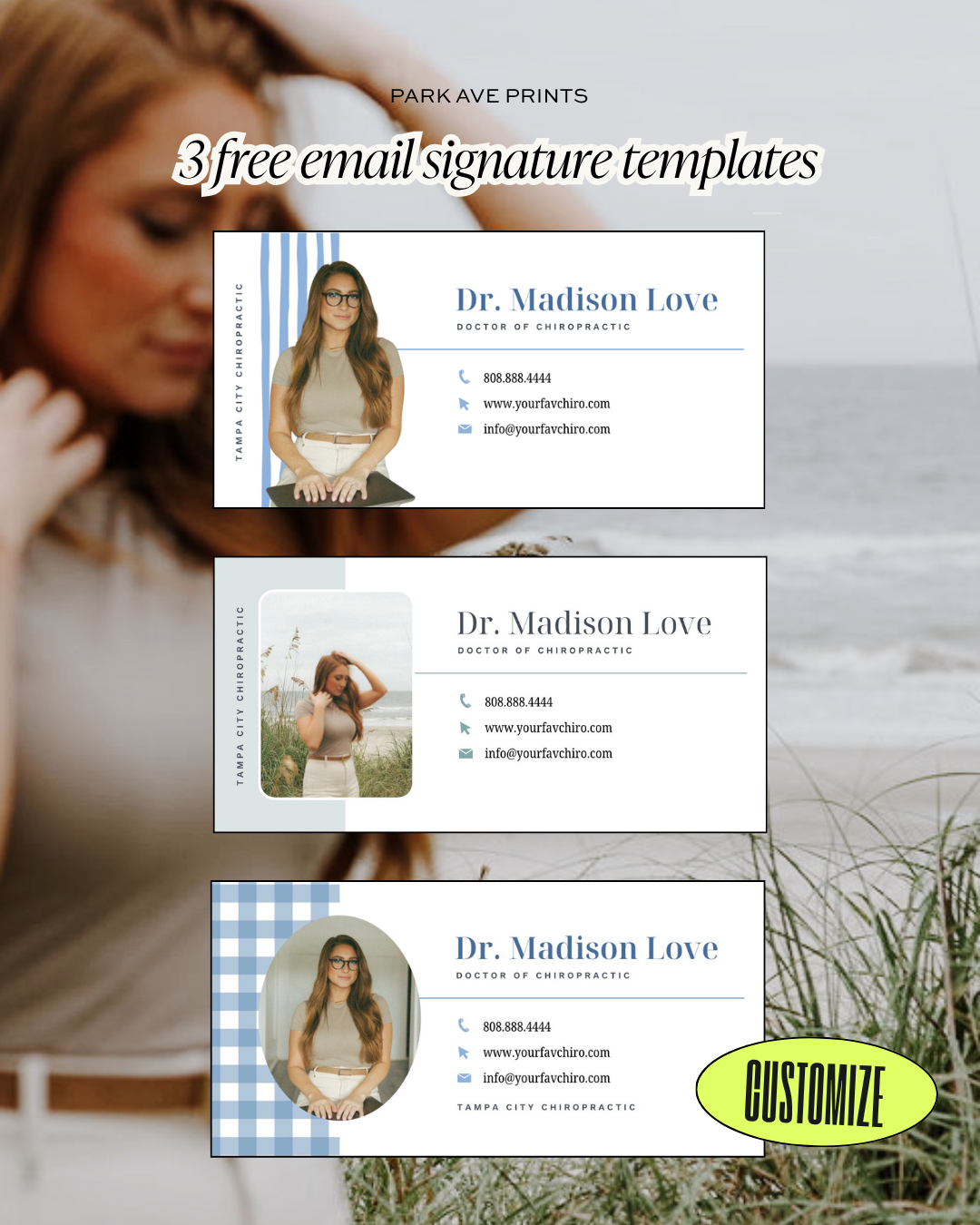
This free download includes 3 professionally designed Canva email signature templates created specifically for wellness providers. Customize each design with your logo, brand colors, headshot, and contact information to create a polished, cohesive look that reflects your practice.
Your free download includes:
✓ 3 fully editable Canva email signature templates to choose from
✓ Step-by-step instructions for adding your signature into your gmail account
✓ Bonus branding tips to help elevate your online presence
No design experience required.
Whether you're launching a new practice or simply refreshing your brand, this is one of the easiest ways to create a more professional patient experience.
I hope this free resource helps you create a brand that feels as intentional as the care you give your patients.
If your signature looks blurry after you upload it to gmail, make sure you are downloading the png file as 2x the size first and then upload into gmail signature section > select small, medium or large (usually medium works for me) so it is the perfect size for your emails.
Elevate your brand..one email at a time.
Your email signature is one of the most overlooked parts of your brand, but it's included in every patient follow-up, referral email, appointment confirmation, and professional conversation.
This free download includes 3 professionally designed Canva email signature templates created specifically for wellness providers. Customize each design with your logo, brand colors, headshot, and contact information to create a polished, cohesive look that reflects your practice.
Your free download includes:
✓ 3 fully editable Canva email signature templates to choose from
✓ Step-by-step instructions for adding your signature into your gmail account
✓ Bonus branding tips to help elevate your online presence
No design experience required.
Whether you're launching a new practice or simply refreshing your brand, this is one of the easiest ways to create a more professional patient experience.
I hope this free resource helps you create a brand that feels as intentional as the care you give your patients.
If your signature looks blurry after you upload it to gmail, make sure you are downloading the png file as 2x the size first and then upload into gmail signature section > select small, medium or large (usually medium works for me) so it is the perfect size for your emails.